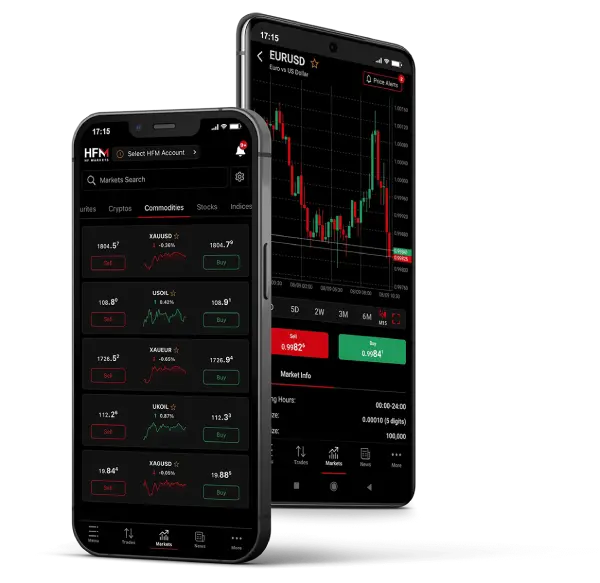
The world’s most popular instruments at your fingertips
Trade online wherever you are with the HFM App.

Discover the perfect trading environment tailored to your preferences with HFM’s versatile platforms.
Explore HFM WebTrader, MT5 and the HFM App, which all offer a unique set of powerful tools and features, empowering you to trade with confidence and efficiency.
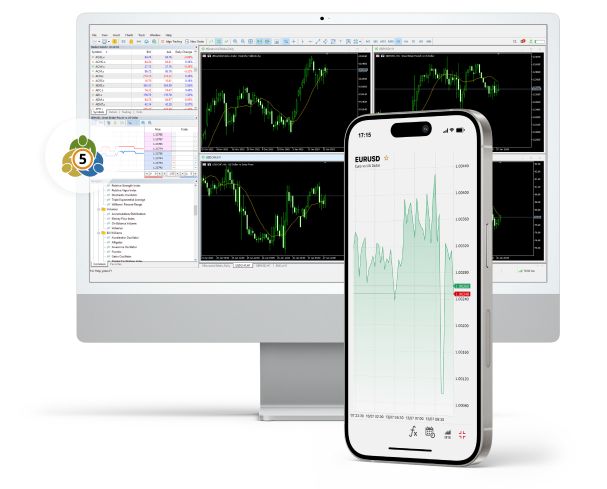
For a comparative overview of the various trading platforms available, including a side-by-side comparison of their key features, refer to the table provided below:
| Feature | HFM WebTrader | MT5 | HFM App |
|---|---|---|---|
| Platform Type | Web-based | Desktop/Mobile/Web-based | Mobile App |
| Timeframes | 9 | 21 | 9 |
| Technical Indicators | 100+ | 38 | 5 |
| Analytical Objects | 80+ | 44 | 11 |
| Chart Types | 17 | 3 | 3 |
| Built-in Economic Calendar | |||
| Pending Order Types | 4 | 6 | 4 |
| Expert Advisors (Desktop) | |||
| Multiple Chart Layouts | |||
| Launch WebTrader | Download MT5 | Download HFM APP |
On HFM WebTrader, MT5, and the HFM App, you can access a diverse range of trading instruments, including CFDs on Forex, Metals, Energies, Commodities, Bonds, Indices, and Shares. Please note that ETFs and DMA (Direct Market Access) are exclusively available on the HFM WebTrader, MT5, and HFM App.
Yes, you can access and trade both your MetaTrader 5 accounts directly on your browser through HFM WebTrader. HFM WebTrader offers full functionality for managing and executing trades and true cross-device sync, which means that every position, price alert and action is instantly updated across all your devices.
Yes, you can access and trade your MetaTrader 5 account directly through the HFM App. The app offers full functionality for managing and executing trades on the MT5 platform.
| Account | Suffix | Trading Platform | Symbol Group | Examples |
|---|---|---|---|---|
| Cent | c | MT5 | Forex Gold | EURUSDc, XAUUSDc |
| Premium | No suffix | MT5 | Forex Gold Energies Indices | EURUSD, XAUUSD |
To add a symbol, go to your MetaTrader 5 platform, click View on the top menu, then select Market Watch. After that:
Right-click anywhere inside the Market Watch window.
Select Symbols.
Search for the instruments with your account suffix.
Select the symbol you want to add, then click Show Symbol.
To remove a symbol, make sure the chart window of that symbol is closed. Then:
Right-click on the symbol in your Market Watch.
Select Hide to remove it.